Esta es la respuesta completa representada arriba, formateada para facilitar su consulta.
{
  "schemaVersion": 1,
  "publisher": {
    "name": "Apps and Fun",
    "storeUri": "ms-windows-store://publisher/?name=Apps%20and%20Fun"
  },
  "apps": [
    {
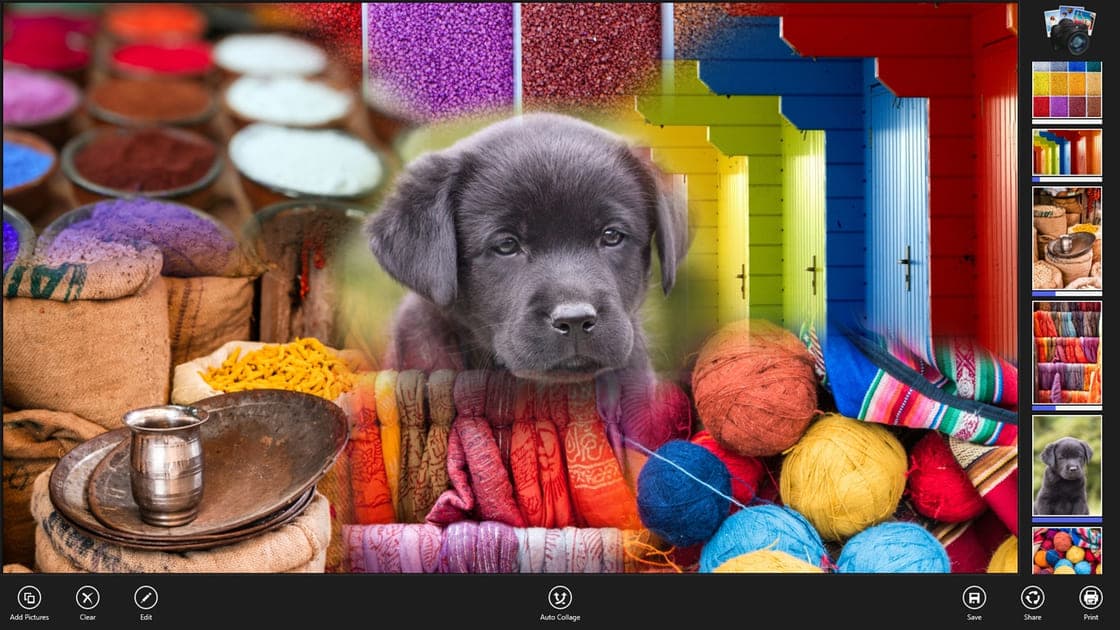
      "id": "coollage",
      "storeProductId": "9WZDNCRCS1H5",
      "storeUrl": "https://apps.microsoft.com/detail/9wzdncrcs1h5",
      "websiteUrl": "https://appsandfun.com/apps/coollage",
      "iconUrl": "https://appsandfun.com/static/icon-6e83cf29.png",
      "screenshotUrls": [
        "https://appsandfun.com/static/screenshot-1-9e19fba4.jpg",
        "https://appsandfun.com/static/screenshot-2-cc2eaf01.jpg",
        "https://appsandfun.com/static/screenshot-3-eeedc235.jpg"
      ],
      "localizations": {
        "en": {
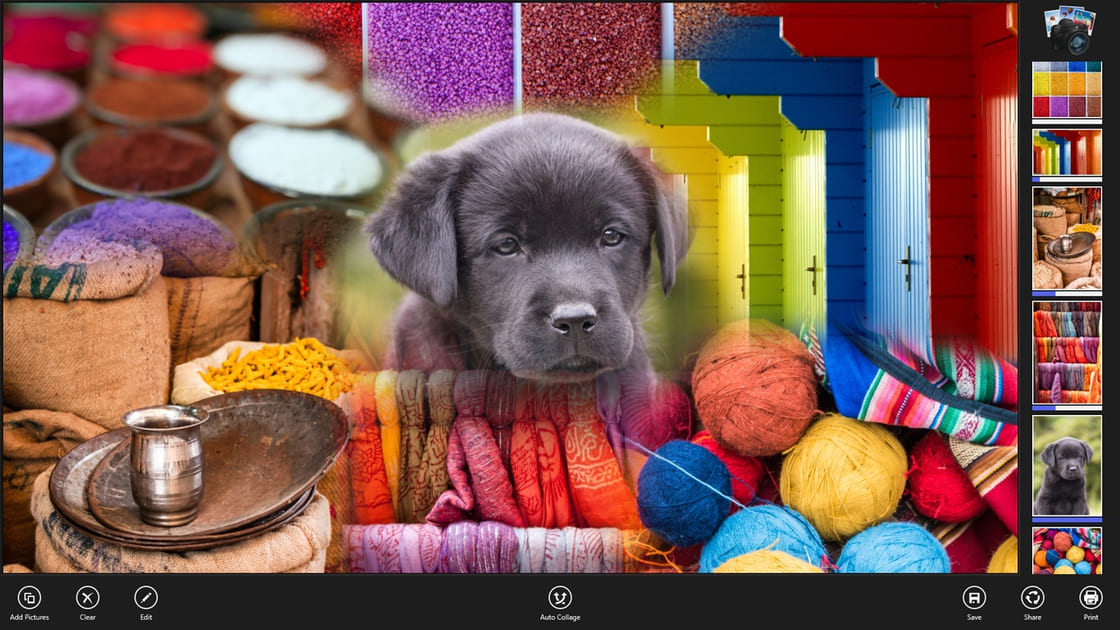
          "name": "Coollage",
          "tagline": "Your photos, arranged into little masterpieces.",
          "description": "Pick your favorite pictures and Coollage builds a smart collage in one tap. Nudge, pinch and resize until it's perfect — then print it or share it."
        },
        "es": {
          "name": "Coollage",
          "tagline": "Tus fotos, convertidas en pequeñas obras maestras.",
          "description": "Elige tus fotos favoritas y Coollage crea un collage inteligente en un toque. Ajusta cada foto hasta que quede perfecto y luego imprímelo o compártelo."
        }
      }
    },
    {
      "id": "photo-privacy",
      "storeProductId": "9PJ2144MKHGD",
      "storeUrl": "https://apps.microsoft.com/detail/9pj2144mkhgd",
      "websiteUrl": "https://appsandfun.com/apps/photo-privacy",
      "iconUrl": "https://appsandfun.com/static/icon-4cbf1e6d.png",
      "screenshotUrls": [
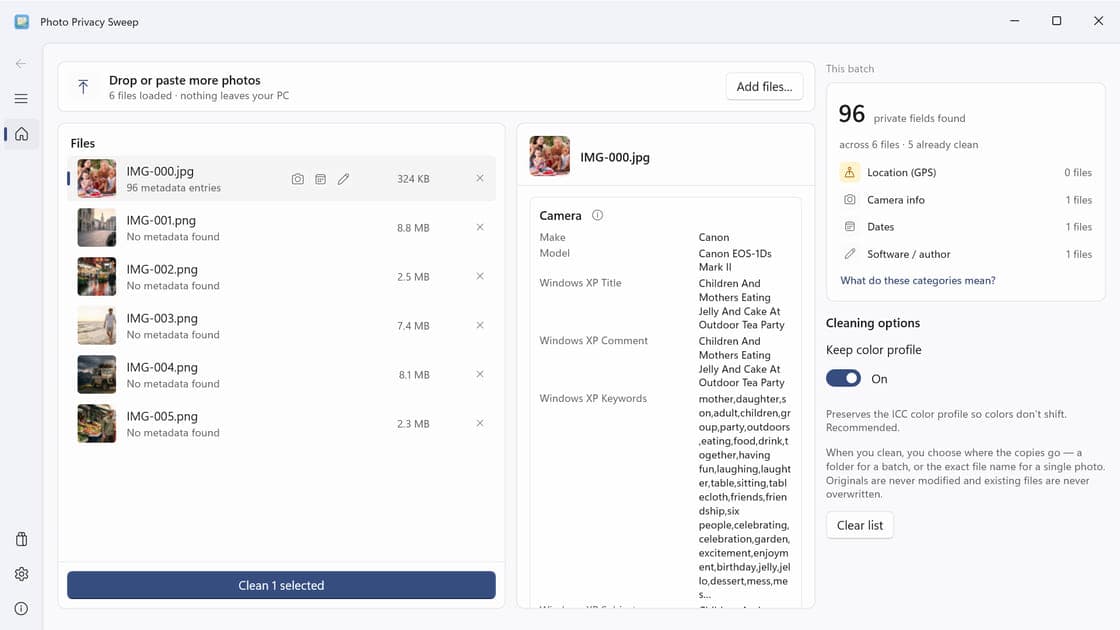
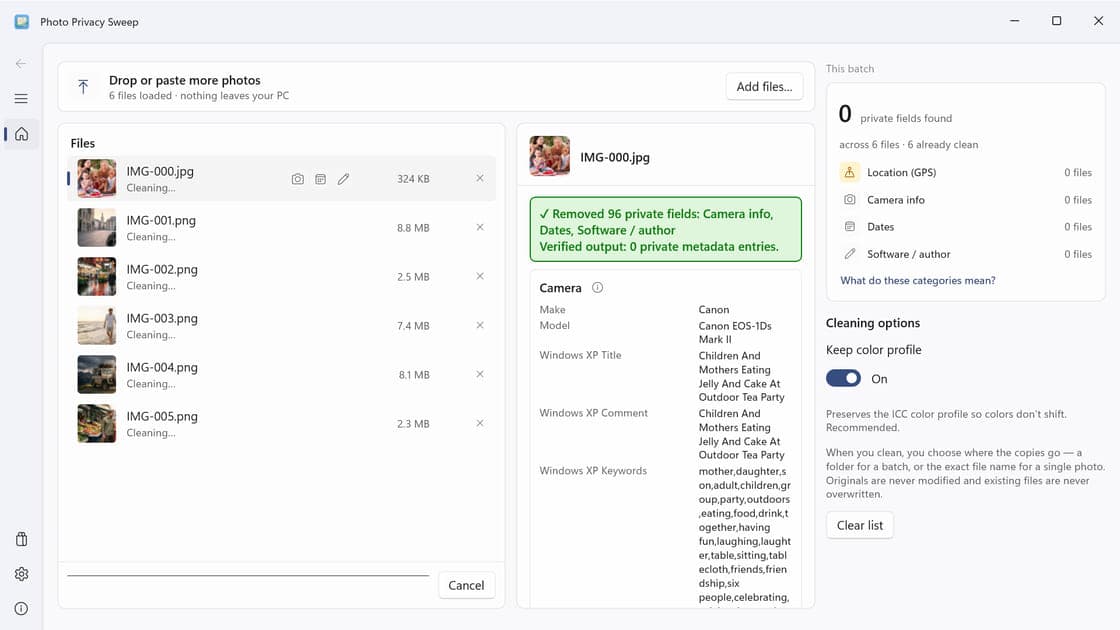
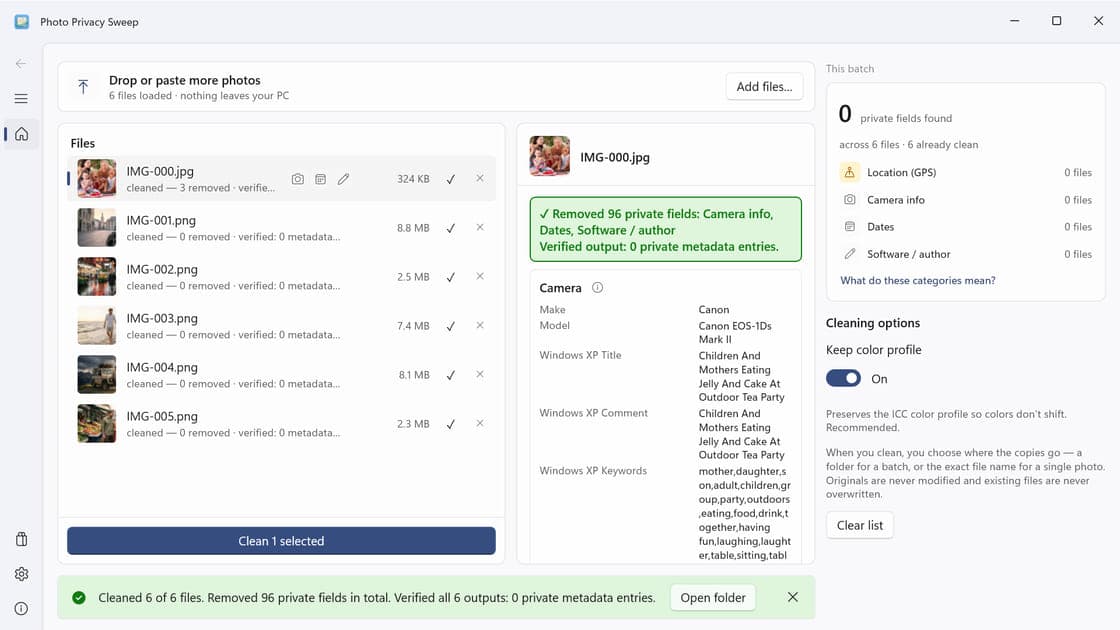
        "https://appsandfun.com/static/screenshot-1-39c5b394.jpg",
        "https://appsandfun.com/static/screenshot-2-f730f63d.jpg",
        "https://appsandfun.com/static/screenshot-3-ad72765d.jpg",
        "https://appsandfun.com/static/screenshot-4-d286b63c.jpg"
      ],
      "localizations": {
        "en": {
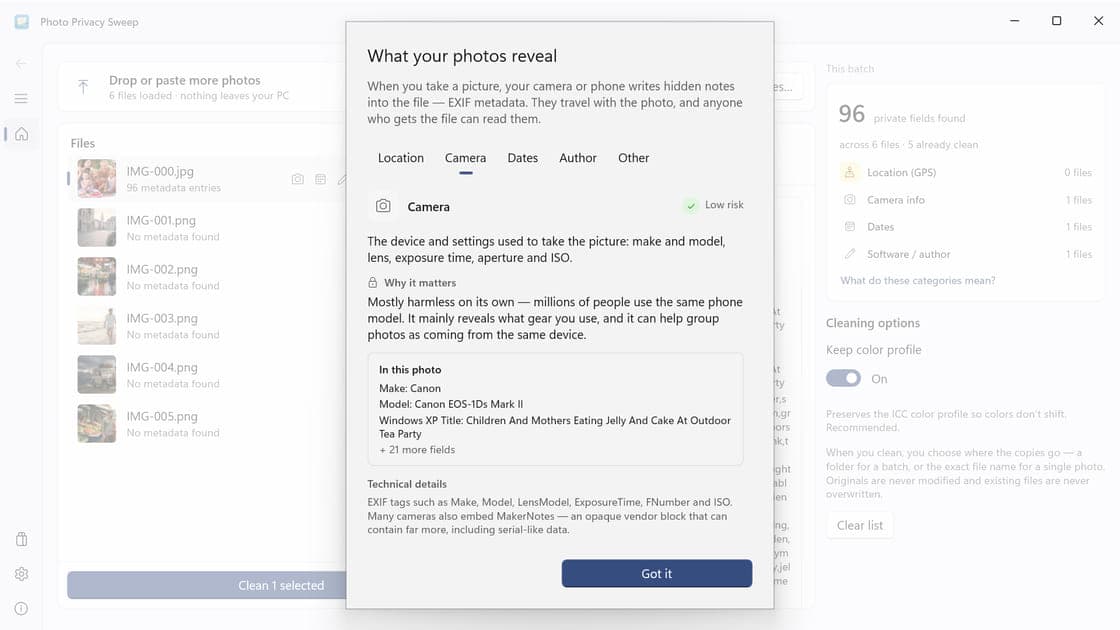
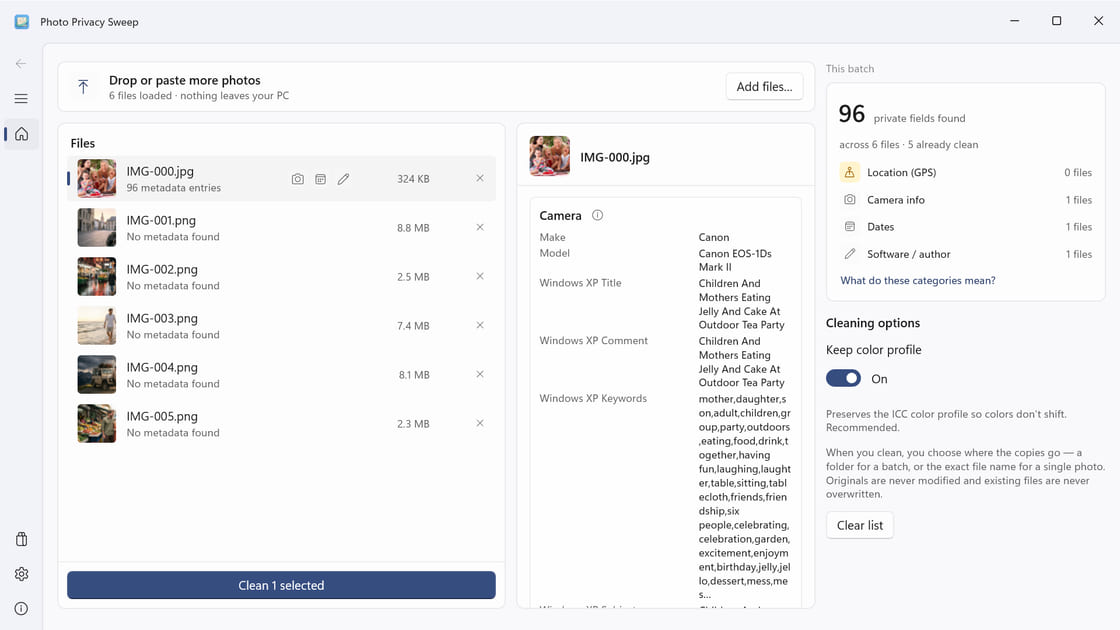
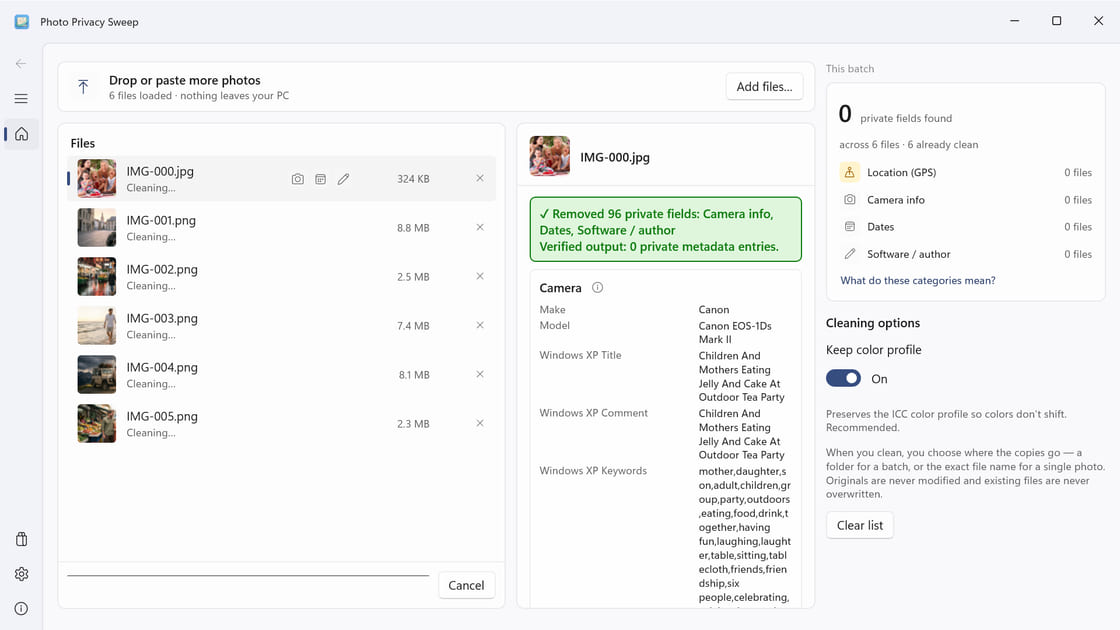
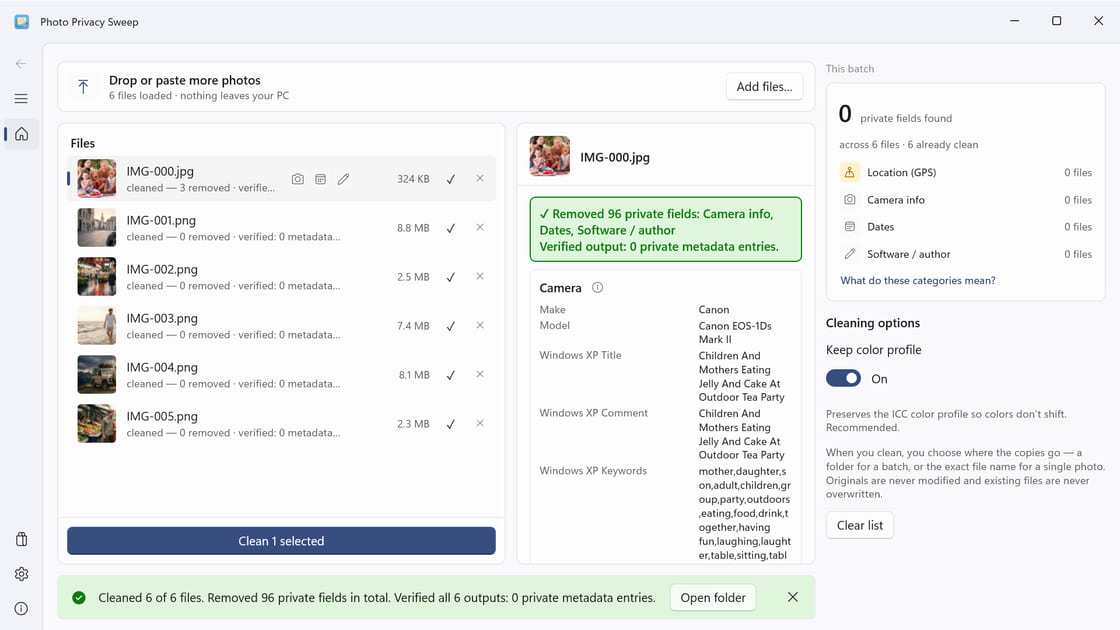
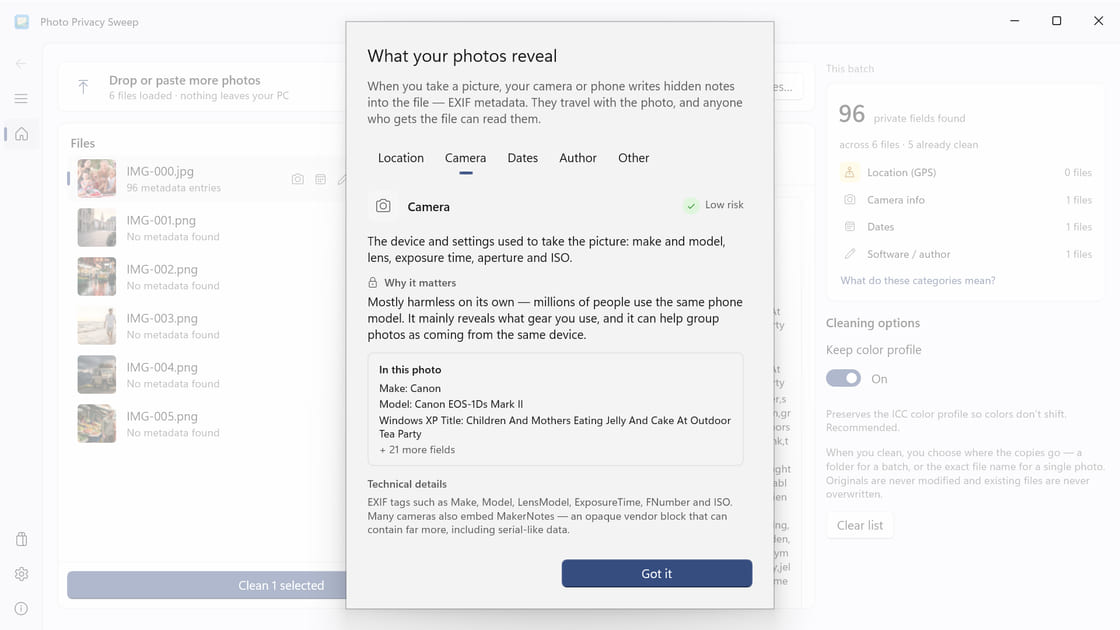
          "name": "Photo Privacy Sweep",
          "tagline": "See what your photos reveal, remove private metadata, and verify clean copies—all on your PC.",
          "description": "Inspect EXIF, GPS, camera and author details, then create verified clean copies locally without changing your original photos."
        },
        "es": {
          "name": "Photo Privacy Sweep",
          "tagline": "Descubre qué revelan tus fotos, elimina metadatos privados y verifica las copias, todo en tu PC.",
          "description": "Revisa EXIF, GPS, cámara y autor, y crea copias limpias verificadas en tu PC sin modificar las fotos originales."
        }
      }
    },
    {
      "id": "screen-reel",
      "storeProductId": "9MV5RDPS38QQ",
      "storeUrl": "https://apps.microsoft.com/detail/9MV5RDPS38QQ",
      "websiteUrl": "https://appsandfun.com/apps/screen-reel",
      "iconUrl": "https://appsandfun.com/static/icon-97f49f18.png",
      "screenshotUrls": [
        "https://appsandfun.com/static/screenshot-1-48fafa52.jpg",
        "https://appsandfun.com/static/screenshot-2-ccbd2fb5.jpg",
        "https://appsandfun.com/static/screenshot-4-a478c5b2.jpg",
        "https://appsandfun.com/static/screenshot-5-8964641f.jpg",
        "https://appsandfun.com/static/screenshot-3-302c0830.jpg"
      ],
      "localizations": {
        "en": {
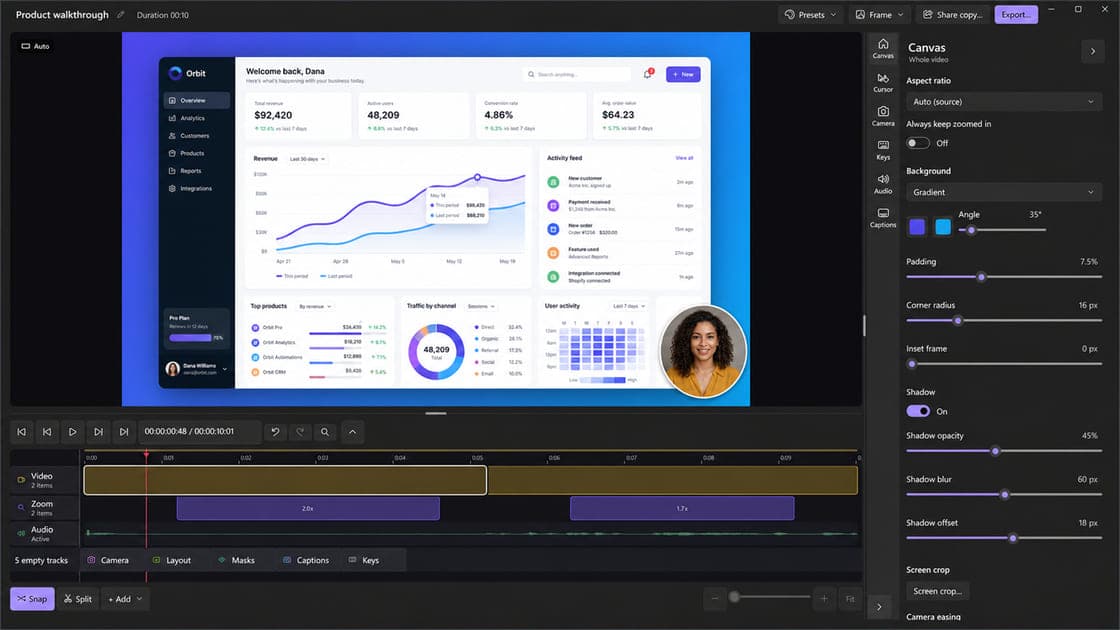
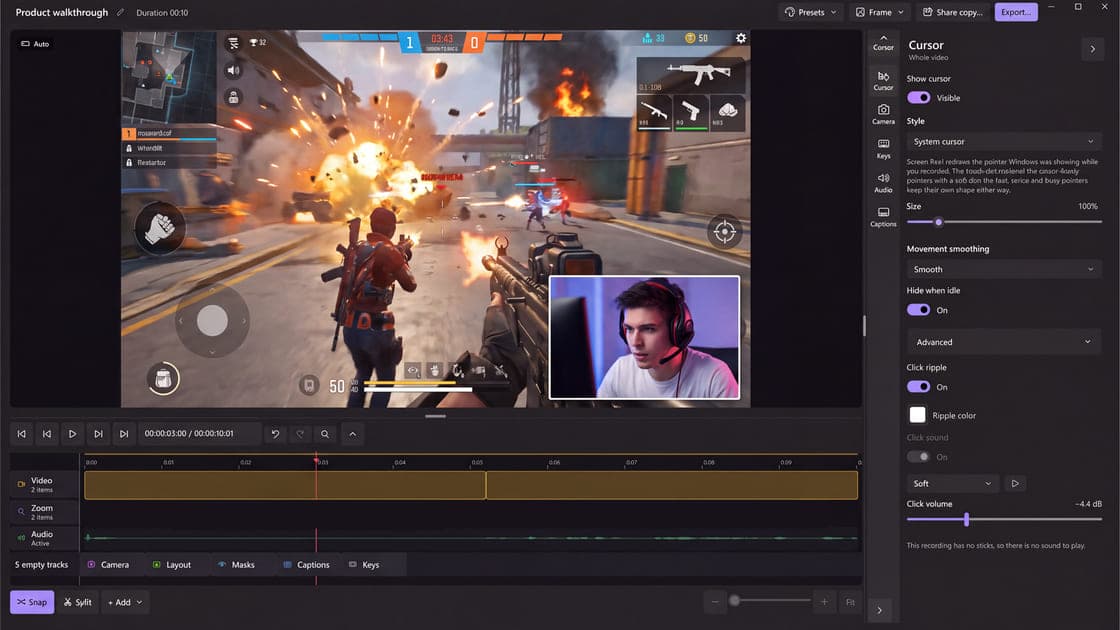
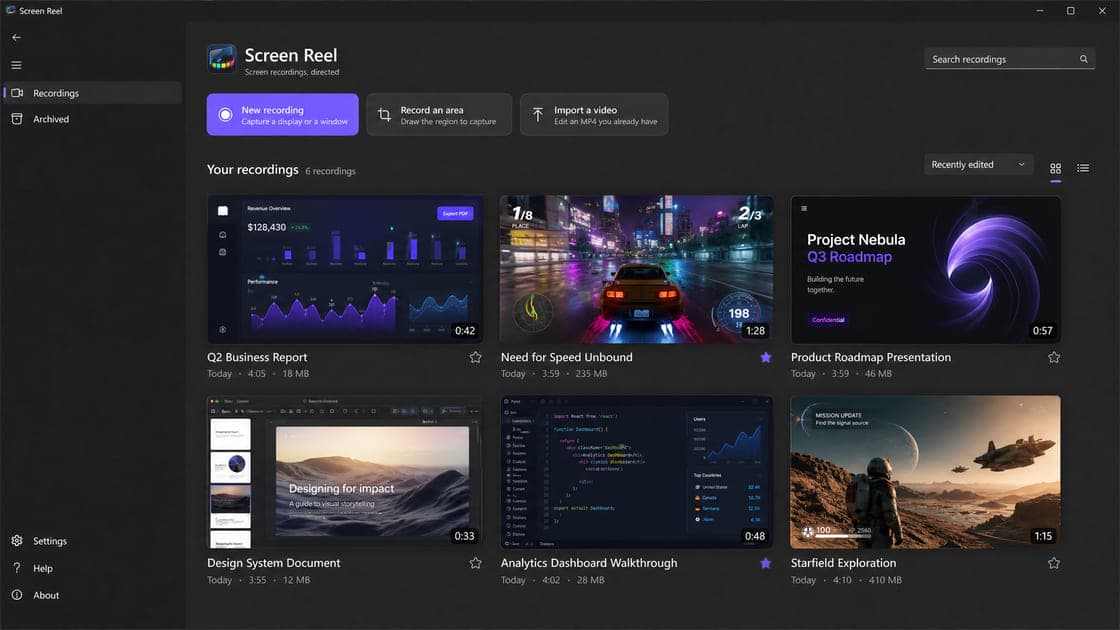
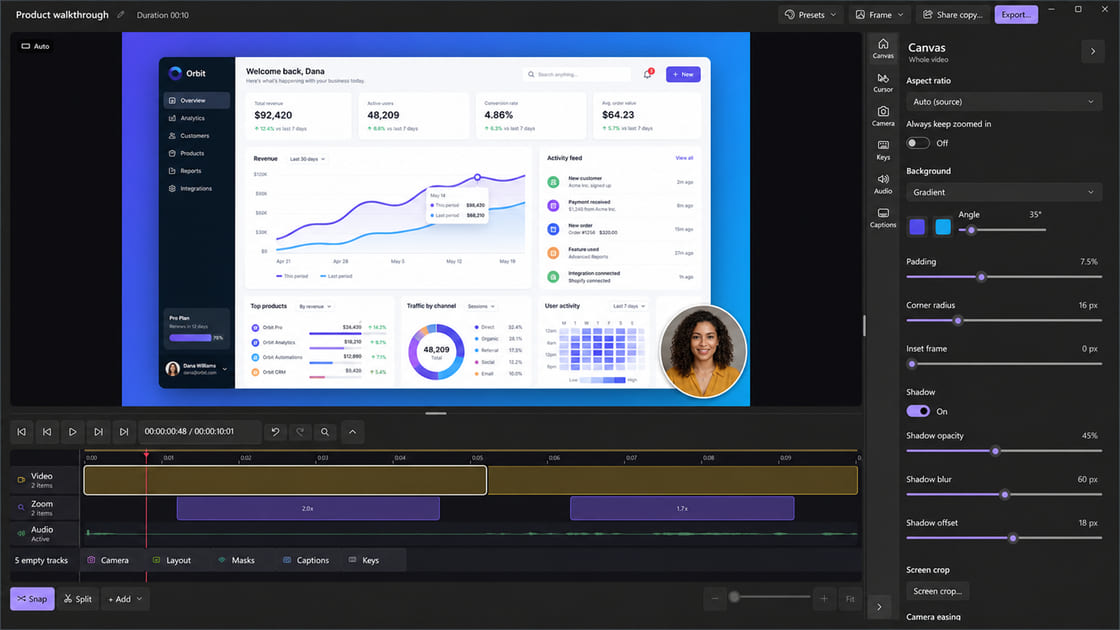
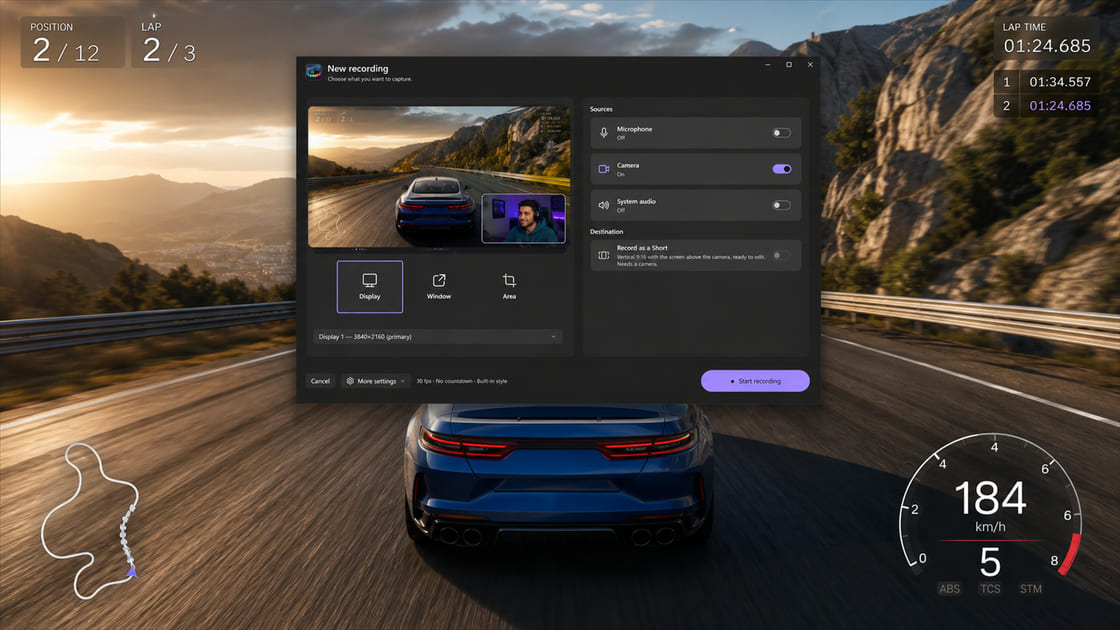
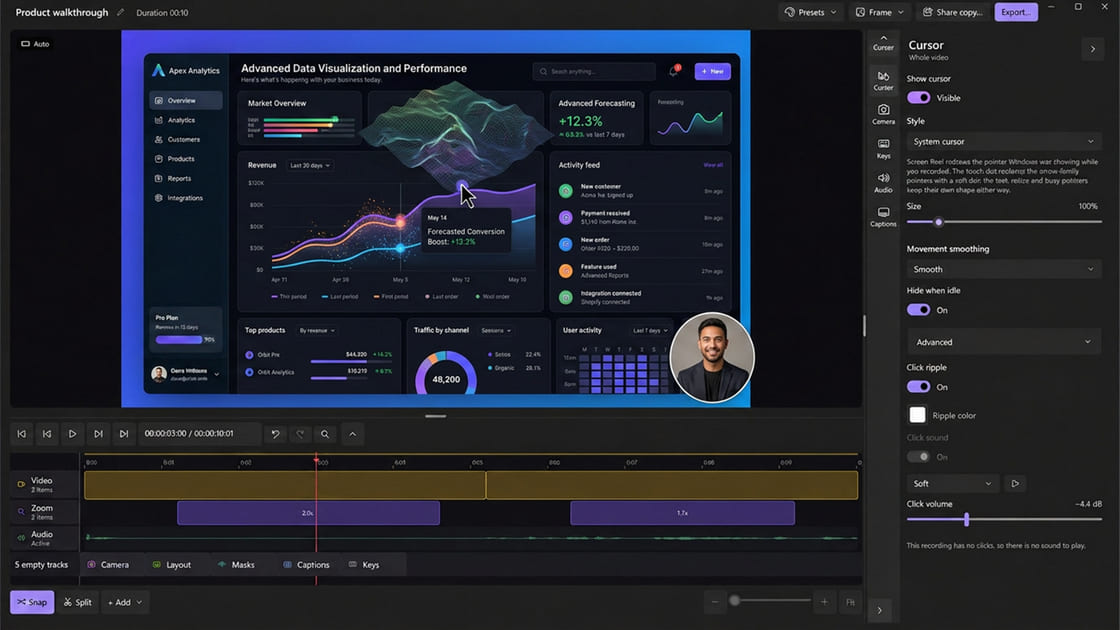
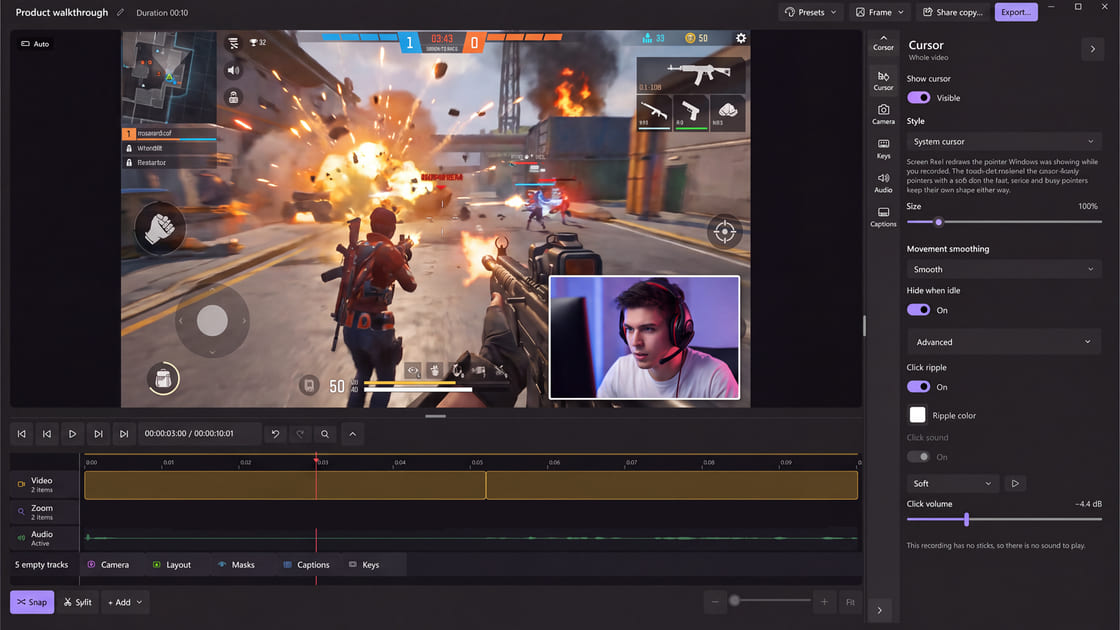
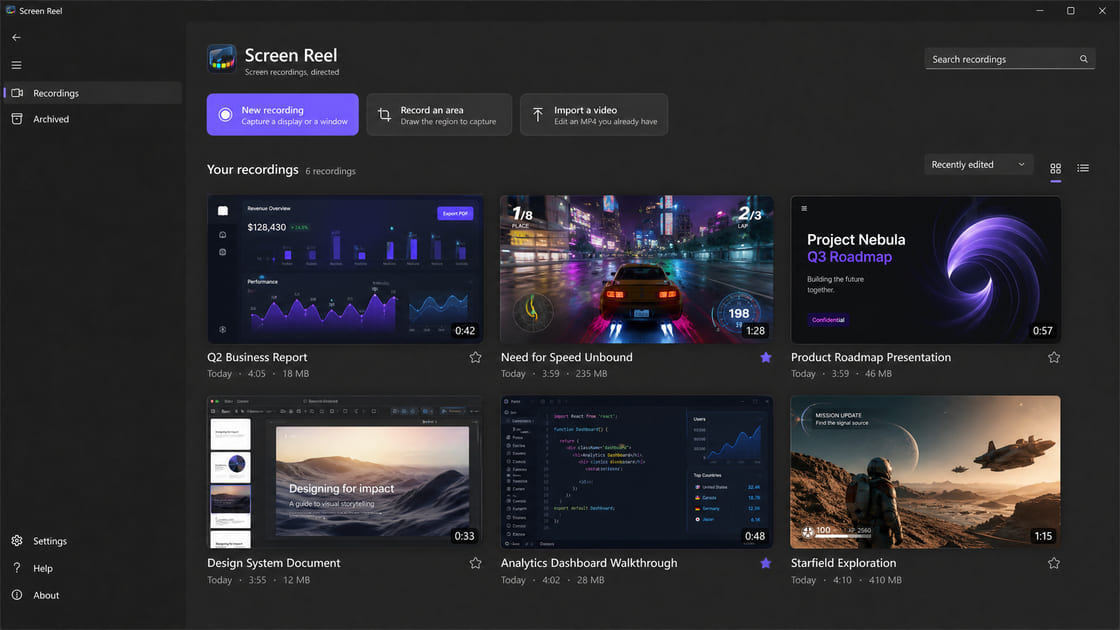
          "name": "Screen Reel",
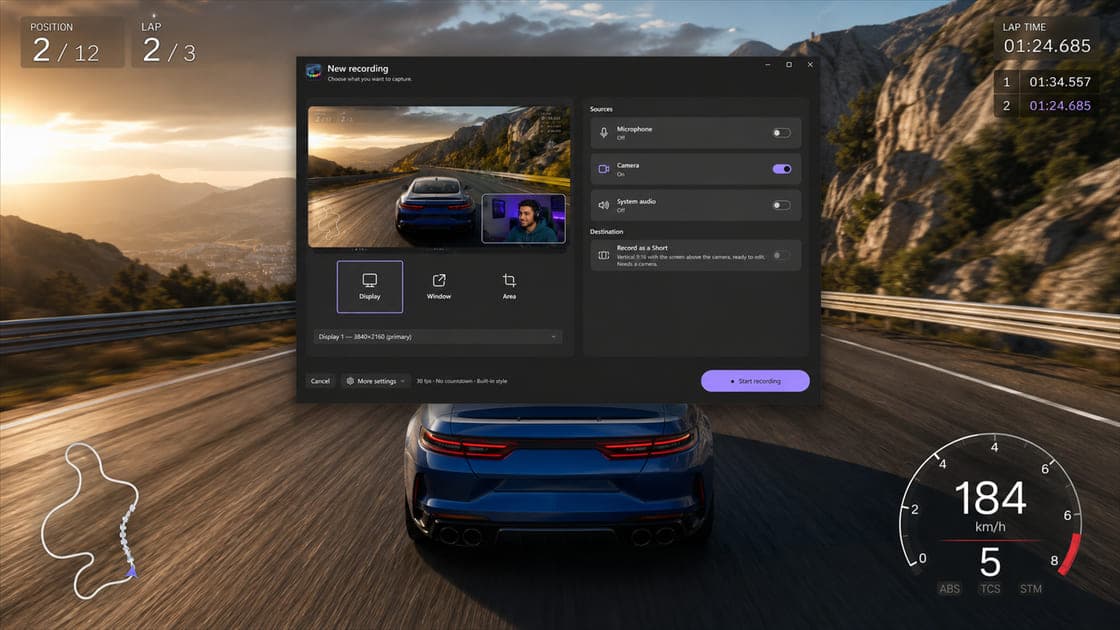
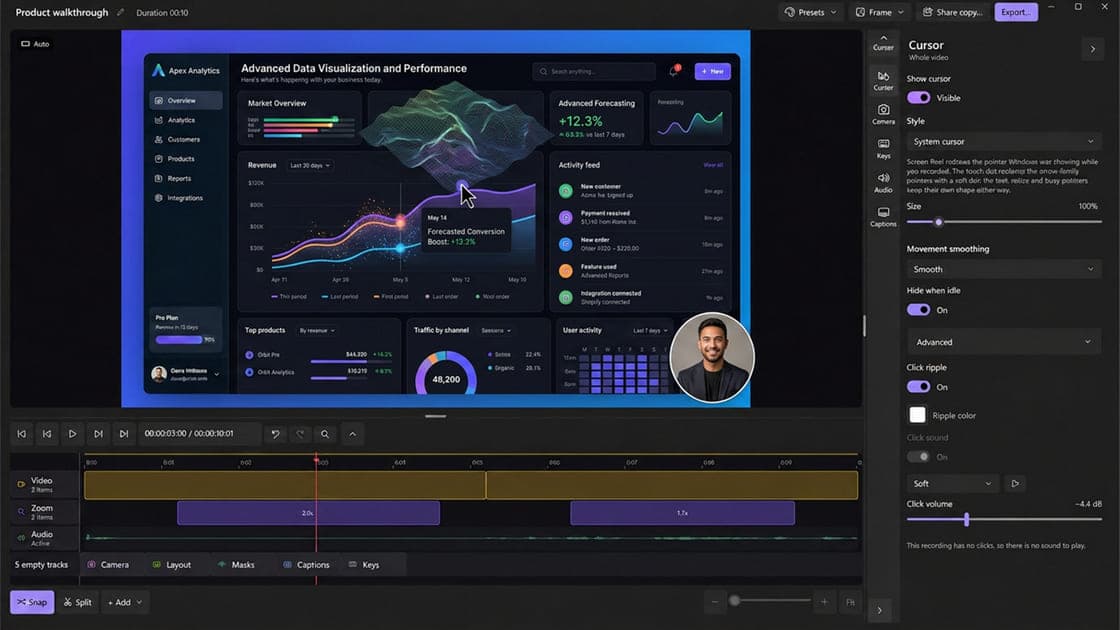
          "tagline": "Record your screen now, direct it after — smooth zooms, a cinematic cursor and captions, all editable before export.",
          "description": "Screen Reel is a Windows 11 screen recorder and editor with automatic zooms, a re-rendered cursor, local captions, and MP4 or GIF export."
        },
        "es": {
          "name": "Screen Reel",
          "tagline": "Graba tu pantalla y dirígela después — zooms suaves, un cursor de cine y subtítulos, todo editable antes de exportar.",
          "description": "Screen Reel es un grabador y editor de pantalla para Windows 11 con zooms automáticos, cursor redibujado, subtítulos locales y exportación a MP4 o GIF."
        }
      }
    }
  ]
}